Free
Editorial·Landscape
Minimal
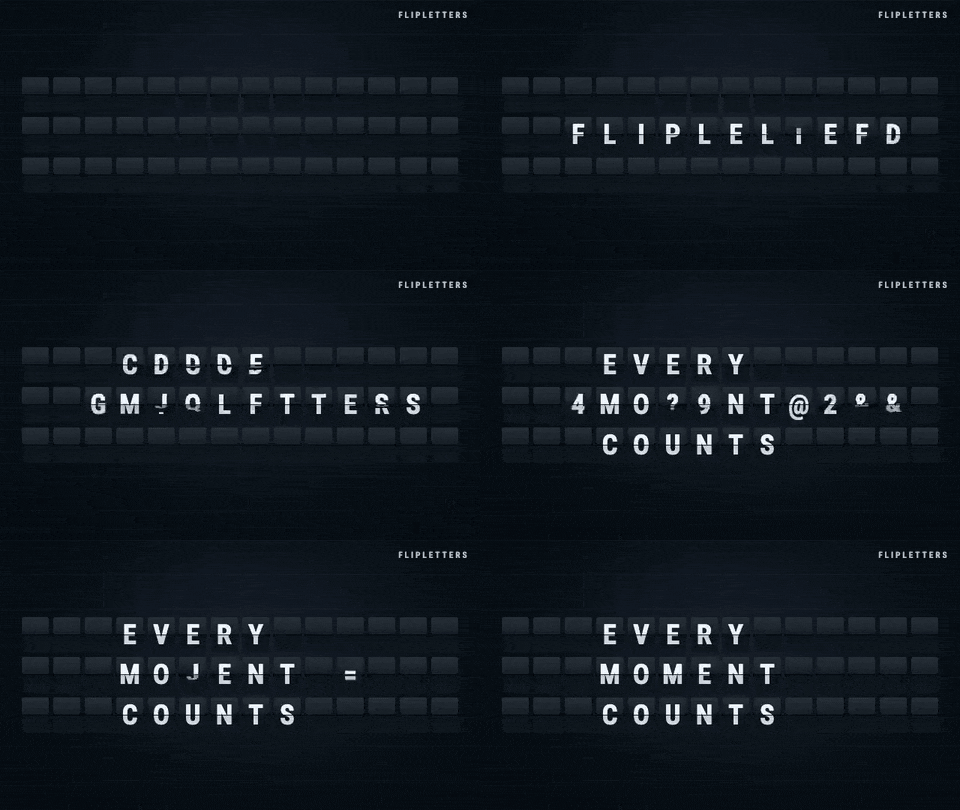
Big flap letters on a cinematic dark backdrop.
by @flipletters
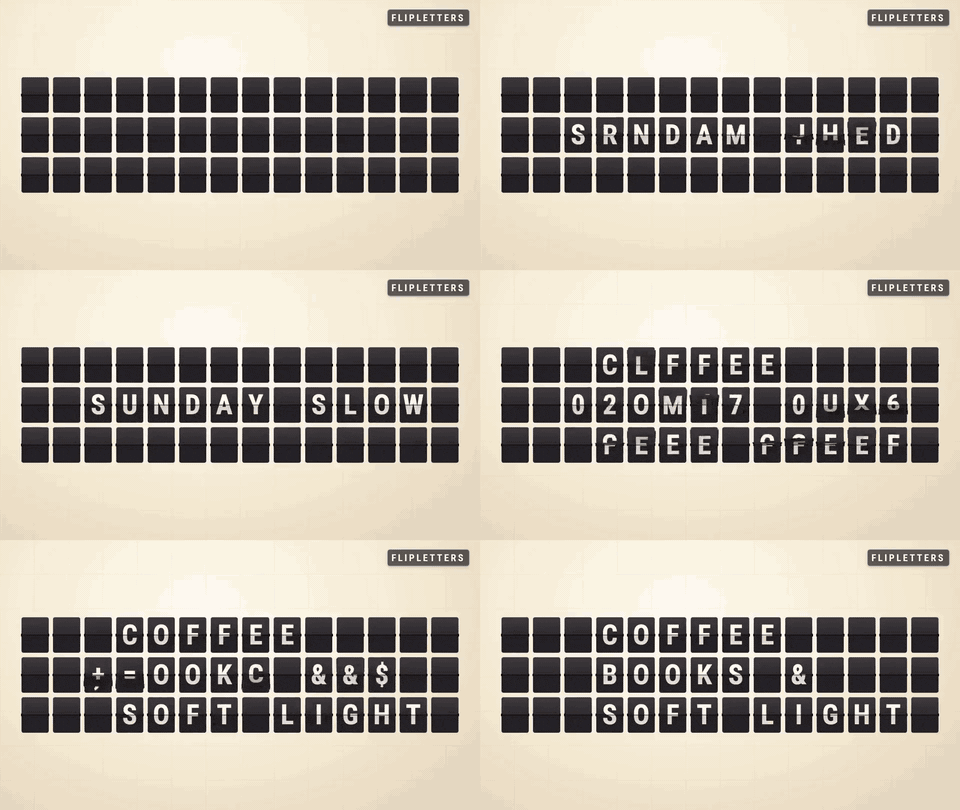
Every channel needs a title card, and a title card with sound design built in beats a static logo. The Minimal board is three rows of large flap letters — your name lands letter by letter, holds, and hands off to your video.
Your channel name flipping into place on a big-letter split-flap board, with the mechanical clack as your sound logo — a 3-second intro you can drop at the top of every video. Type the name, pick a transition, export landscape for YouTube or vertical for Shorts and TikTok.
Three to five seconds is the sweet spot: one slide for the name, one for SUBSCRIBE, then cut to your video. Keep the hold short so it never overstays.
Yes — switch the output to vertical 1080×1920 in the Studio and re-export the same board. The text and timing carry over.